01
Ready for the city
The official client and required modules, installed together. Spend less time setting up and more time playing.
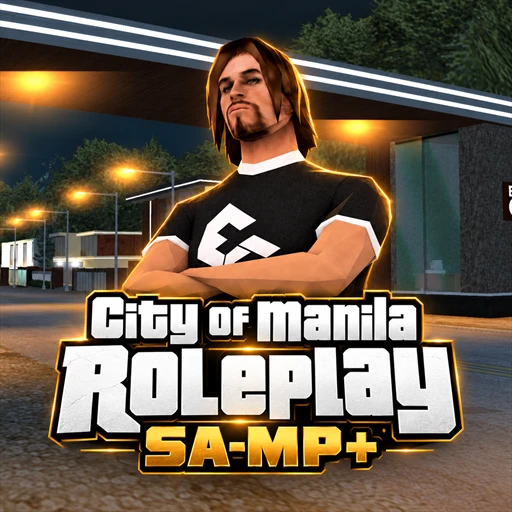
CITY OF MANILA ROLEPLAY
A new face. A familiar street. A life that’s yours to build. Step into the city on PC or take it with you on Android.
Windows v1.0.22 · 24.2 MB
Download for WindowsDownload the Windows installer, then run it to set up the launcher.
BUILT FOR YOUR NEXT SESSION
The full PC experience, with the essentials brought together in one official launcher.
The official client and required modules, installed together. Spend less time setting up and more time playing.
Manage optional mods and tune your in-game settings from one launcher.
Verified files, repair tools, and launcher updates help keep your next session a click away.
A LITTLE LOOK AROUND
Familiar landmarks. Streets worth exploring. Get a glimpse of the world before you jump in.
FROM DOWNLOAD TO DOWNTOWN
Download the Windows installer (.exe) and run it. Follow the setup steps to install the launcher.
Open the launcher, choose your game folder, and let the official client files finish installing.
Hit Play and connect. Register in-game if this is your first visit.
YOUR NEXT CHAPTER IS WAITING
Choose your platform. Bring your story.
Download for WindowsAlready a citizen? Open your player panel